ALOHAD ・ 4 / 9
← HomeTo-Do list
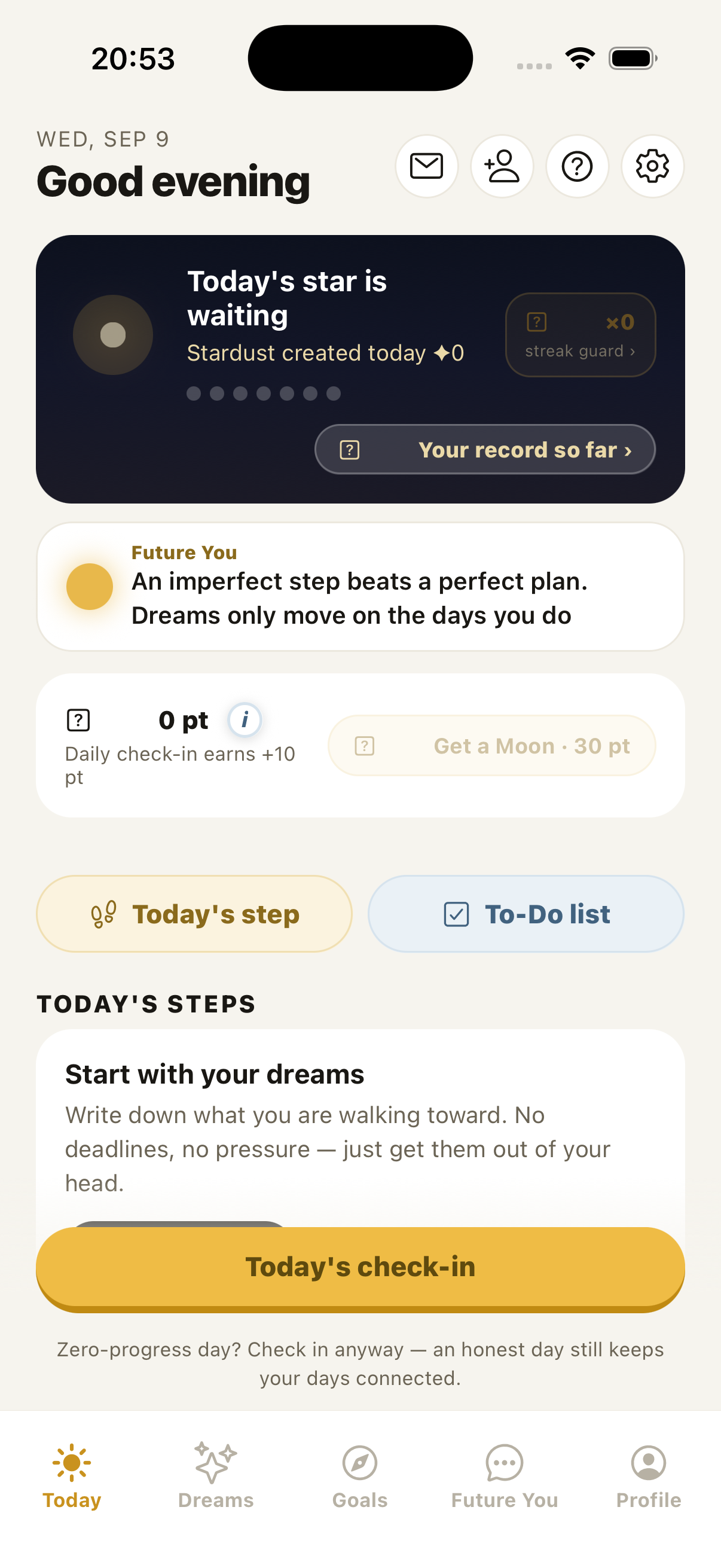
Apart from dreams, you can keep everyday errands here. Open it from To-Do list on the "Today" screen.
Tap "+ Add an errand" and a small panel opens. Write it there and tap "Add".
Inside that panel, "Set date & time" decides when: today, tomorrow, next week, a date from the calendar, and a time down to the minute. Repeat (every day, weekdays, every week) is there too. When you finish one, the next occurrence appears on its own.
You can also type it into the text field — write "tomorrow 3:00 PM dentist" and the date and time go in with it.
With two or more, "Reorder" lets you change the order. Long-press an errand to add a note.
- Errands with a time can remind you — tap 🔔.
- Turn on "Morning summary" in Settings and once each morning you get "Today's to-dos: 3". The contents are never shown.
- Finished errands become seeds in your meadow, and animals come to visit. There are 18 of them, and the Companion Book in the meadow shows how to meet each one.